Quick answer
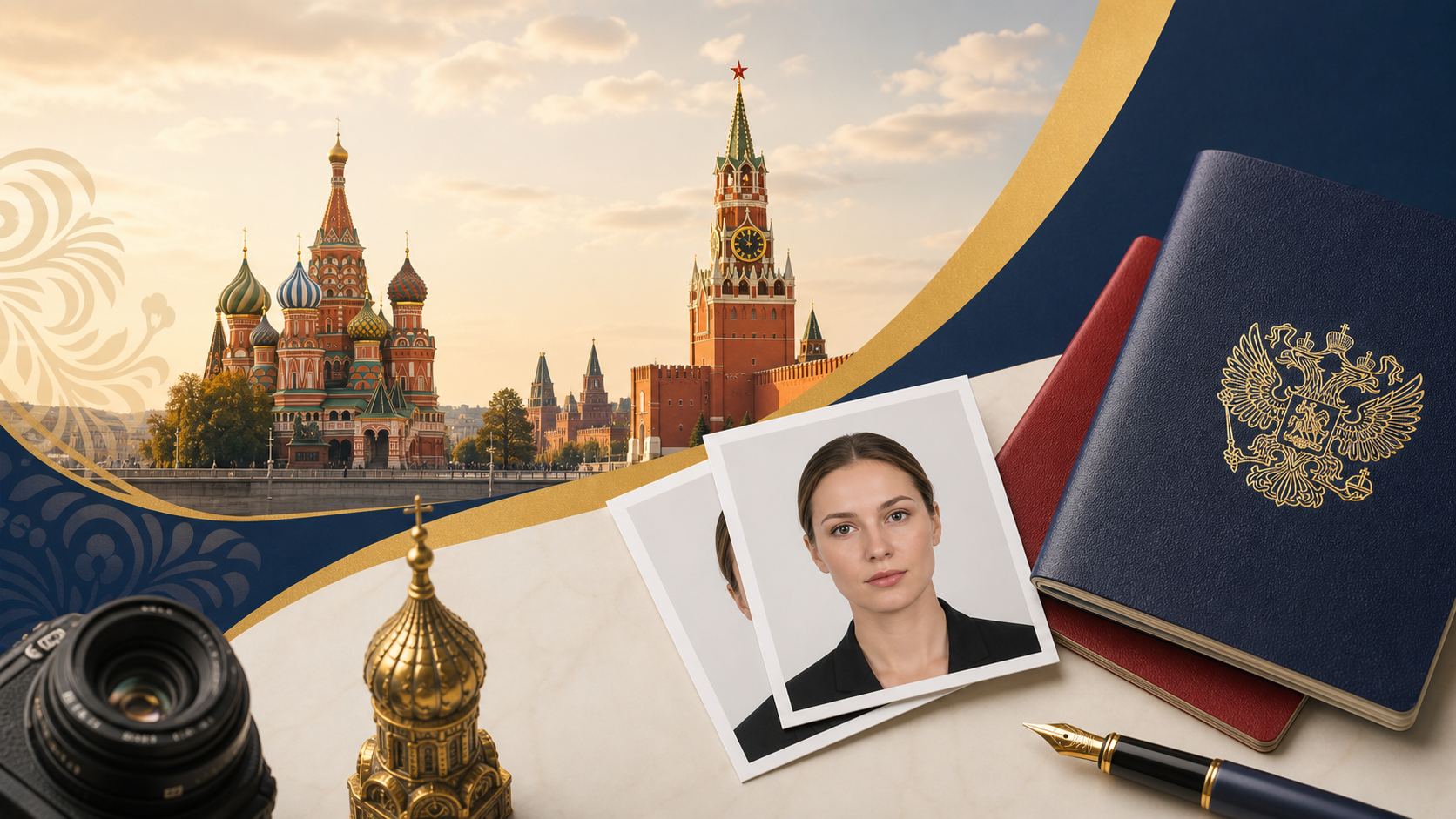
The official Russia visa photo requirements for 2026: a 35 × 45 mm (width × height) colour photo on a plain white or light-grey background, neutral expression, full face visible and centred. For digital submissions use a high-quality JPEG (commonly 600 × 800 px for 300 dpi, under 2 MB); for printed photos follow the exact 35×45 mm print size and no shadows or reflections.
Important: Always check the consulate or visa centre instructions for your country before submission — requirements can vary slightly by post (Russian Ministry of Foreign Affairs: mid.ru).
Why this matters (answer-first)
A non-compliant photo is the most common reason a Russia visa application is delayed or rejected. Following the exact Russia visa photo requirements saves time and avoids redo fees. Below you'll find the official dimensions, pixel equivalents, background rules, facial positioning, and a step-by-step home-photo guide with camera settings and printing tips.
Tip: If you're also applying for an invitation letter or business invitation, you can order a verified invitation here: https://russianvisa.co/visa-invitation/order?utm_source=russianvisa&utm_medium=content_link&utm_campaign=invitation_cta
Official specifications at a glance
| Specification | Requirement (2026) | Notes / common equivalents |
|---|---|---|
| Printed size | 35 × 45 mm | Standard Russian visa size (width × height) |
| Digital file | JPEG, recommended 600 × 800 px (300 dpi) | File size usually under 2 MB; follow consulate specs if different |
| Background | Plain white or light grey | No patterns, textures, shadows or objects |
| Head position | Head centered, facing camera | Head should occupy ~70–80% of photo height; eyes on same horizontal plane |
| Expression | Neutral, mouth closed | No big smiles, teeth showing allowed? Keep neutral expression |
| Glasses | Preferably removed | If worn, no glare; eyes fully visible |
| Head coverings | Only for religious reasons | Must not cover the face; provide affidavit if required |
Warning: Some posts require exact pixel dimensions, others accept a printed 35×45 mm. Always follow your local Russian embassy/consulate instructions.
Exact size and pixel equivalents
Consulates expect a physical photo of 35 × 45 mm. For digital uploads the most commonly accepted pixel sizes are derived from 300 dpi printing resolution.
| Print size (mm) | DPI | Pixel size (approx.) | Commonly used digital size |
|---|---|---|---|
| 35 × 45 mm | 300 dpi | 413 × 531 px | 600 × 800 px (scaled, accepted by many visa centres) |
| 35 × 45 mm | 220 dpi | 310 × 390 px | 600 × 800 px is still safe and higher quality |
Why 600 × 800 px? A 600 × 800 px JPEG at standard compression gives good sharpness and stays under typical file-size limits (2 MB). If a consulate specifies exact pixels, use that. Always set the photo to high quality JPEG and avoid heavy compression.
Important: If the consulate requires a specific pixel size or file size, that instruction overrides these general guidelines. Check the local consulate website or the Russian MFA (mid.ru).
Background color: white vs light-grey (what's allowed)
- Preferred: Plain white background — this is accepted everywhere.
- Acceptable: Light grey (very pale) — allowed by many Russian visa centres if it is uniform and provides contrast with the subject.
- Not allowed: patterned, textured, gradient, colored (blue, green), or any background with objects, shadows or items.
Tip: Use a white sheet or a painted wall; natural daylight helps reduce shadows. If your hair or clothing is white, prefer very light grey (uniform) so the head outline is visible.
Facial appearance and composition rules
Follow these practical measurements and composition rules to ensure the photo is accepted:
- Face and shoulders visible; the head must be centered and looking straight into the camera.
- Eyes must be open and clearly visible; no hair covering eyes.
- Neutral expression: mouth closed (or slight natural smile), no exaggerated expressions.
- Distance and framing: whole head (from top of hair to chin) plus top of shoulders; head size should occupy about 70–80% of the photo height.
- No shadows on the face or background, no red-eye.
- No props, accessories, visible headphones.
Warning: Photos with heavy retouching, filters or softened facial features may be rejected. Do not use beauty filters.
Digital vs printed photos — what to submit
- Printed: Provide standard 35×45 mm glossy or matte prints (check consulate). Two identical photos are commonly requested.
- Digital upload: Submit JPEG file in required pixel dimensions. Many visa centres accept 600×800 px JPEG at 300 dpi and under 2 MB.
Check the visa application portal/consulate website for any maximum file size or required resolution. For e-visa systems, the online form usually displays required dimensions.
Tip: Save two versions: one high-res JPEG for print and one optimised file for upload to keep under file-size limits.
Step-by-step: how to take a compliant Russia visa photo at home
Follow these numbered practical steps to take an accepted visa photo using a smartphone or a digital camera.
- Prepare the location
- Position the subject 1–1.5 meters from the wall to avoid background shadows.
- Lighting
- Avoid direct overhead light which casts shadows under eyes and chin.
- Camera and settings
- Recommended settings: JPEG, high quality, ISO 100–400, aperture f/2.8–f/8.
- Use a tripod or stable surface; use a self-timer or remote to avoid blur.
- Position and pose
- Look directly at the camera, maintain neutral expression.
- Ensure hair does not cover eyes; remove hats and sunglasses.
- Framing
- Ensure head occupies ~70–80% of image height.
- Take multiple shots
- Select and edit (light editing only)
- Adjust brightness/contrast slightly; do not retouch facial features.
- Save as high-quality JPEG and export a version at 600×800 px if needed.
- Print correctly (if required)
- Cut to exact size; collect two identical copies.
Tip: Many smartphone apps and online services crop and format photos to visa specs. Use them only to format — avoid filters.
Example camera settings and framing guide (table)
| Item | Smartphone example | Digital camera example |
|---|---|---|
| Lens | Rear camera (wide) | 50 mm equivalent prime |
| Distance | 1.5–2 meters | 1.5–3 meters (depending on focal length) |
| Aperture | f/1.8–f/2.8 (keep subject in focus) | f/4–f/8 for sharpness |
| ISO | 100–400 | 100–400 |
| Shutter speed | ≥ 1/100s (to avoid blur) | ≥ 1/125s |
| White balance | Auto (set to daylight) | Daylight or auto |
Common mistakes and how to fix them
| Problem | Why it's rejected | Fix |
|---|---|---|
| Shadows on background | Creates non-uniform background | Move subject away from wall; add fill light |
| Head tilted or not centered | Composition rule violated | Stand straight, use gridlines on camera |
| Background not plain | Distracting or non-uniform | Re-shoot in front of plain backdrop |
| Glasses glare | Eyes not visible | Remove glasses or re-angle lights |
| Heavy editing or filters | Alters identity | Use only basic exposure/contrast corrections |
Warning: If your photo is rejected, you'll typically be asked to resubmit — this delays your visa. Re-shoot rather than heavily edit a borderline photo.
Printing and lab submission tips
- If you print at a photo lab, show them the exact 35×45 mm requirement and provide the crop template (7:9 aspect ratio).
- Ask for glossy or semi-matte photo paper and high-quality print settings (300 dpi).
- Request two identical prints if the consulate asks for multiples.
Tip: Some consulates accept photos printed on regular office printers if print quality is high, but photo labs are safer.
When to use professional photo services vs DIY
Use a professional service if:
- You cannot create a plain background at home.
- You wear religious head covering and need exact framing help.
- You prefer guaranteed compliance (many services offer visa-photo compliance checks).
DIY at home is fine if you follow the steps above — smartphone cameras are excellent today and many applicants succeed with careful setup.
Submit with confidence: final checklist
- [ ] Photo size 35 × 45 mm (print) or correct pixel dimensions (digital)
- [ ] Plain white or light-grey background
- [ ] Neutral expression, eyes visible, no hair over face
- [ ] No filters or skin retouching
- [ ] JPEG high quality, under 2 MB for uploads
- [ ] Two identical prints if required
If you are also arranging an invitation or travel documentation, see our visa types page to confirm specific supporting documents and visit our FAQ for answers to common questions. If you need a verified invitation letter click here: https://russianvisa.co/visa-invitation/order?utm_source=russianvisa&utm_medium=content_link&utm_campaign=invitation_cta
Important: Embassy/consulate instructions override general guides — always check local guidance and the Russian Ministry of Foreign Affairs (mid.ru) or the local consular website.
Sources and where to check before you submit
- Russian Ministry of Foreign Affairs (official guidance often available at https://www.mid.ru)
- Website of the Russian Embassy or Consulate in your country (search “Russian Embassy [country] visa photo requirements”)
- Local visa application centres (VFS/IVS or national service providers) for exact pixel/file-size rules
Tip: Save screenshots of consulate requirements you followed — useful if a dispute arises over a rejected photo.
Final words
Following the exact Russia visa photo requirements saves you time and reduces the risk of delays. Use a plain white or light-grey background, capture a frontal, neutral expression, and provide a 35 × 45 mm print or a high-quality 600 × 800 px JPEG for uploads. For help with invitations or specific visa document questions, see our visa types and FAQ pages.
Frequently asked questions
What exact dimensions are required for a Russia visa photo?
The printed photo must be 35 × 45 mm (width × height). For digital uploads a common standard is a high-quality JPEG around 600 × 800 px; follow your local consulate instructions if they specify other pixel dimensions or file-size limits.
Can I wear glasses or a head covering in the photo?
Glasses are allowed only if they don’t create glare and your eyes are clearly visible; better to remove them. Head coverings for religious reasons are permitted but must not cover the face; the full facial features must be visible.
Do I need to print the photo on glossy paper or is matte acceptable?
Most consulates accept glossy or semi-matte professional photo paper. The key is correct dimensions (35 × 45 mm) and high print quality (300 dpi). Ask the consulate if they have a strict finish preference.
Can I crop a selfie for my visa photo?
You can crop a selfie if it meets all composition rules (head centered, neutral expression, plain background, no shadows). Use the rear camera and a tripod if possible for better quality. Many rejections occur because of poor framing or lighting rather than the selfie origin.
What should I do if my photo is rejected by the consulate?
Re-take the photo following the consulate’s reasons for rejection (usually background, size, or lighting). Save evidence of the consulate guidelines you followed and resubmit. If you need assistance with paperwork or invitation letters, consider ordering a verified invitation at https://russianvisa.co/visa-invitation/order?utm_source=russianvisa&utm_medium=content_link&utm_campaign=invitation_cta.
Official sources
- Published regular-visa supporting-document rule— Category-specific invitation and supporting-document requirements
- Russian MFA category-specific visa guidance— Official requirements for tourist, business, private, study, work, and transit visas
- Russian MFA (mid.ru)— Ministry of Foreign Affairs — official visa policy and consulate directory
- e-Visa portal (evisa.kdmid.ru)— Official unified electronic visa application system
- Consular Department (kdmid.ru)— Consular services, appointment booking, and document legalization
Always verify current requirements with official sources before applying or travelling.
e-Visa & Digital Services Specialist
Technology and travel documentation specialist focused on Russia's electronic visa system and digital border services.